WASHINGTON / THREE CAMPUSES / ONE QUESTION AT A TIME
Find your place. Read the quarter.
A practical atlas for the campus, course and timing questions around University of Washington student life.
Looking for My UW? MyUW is the University of Washington’s personalized information hub. For your account, use the official MyUW website ↗. Quarter Atlas is independent—not a university portal.
The useful question is not always “What do I click?” Sometimes it is “Which campus does this apply to?” or “What has actually changed?”
A shared university name does not make every instruction universal.
01 / SEATTLE
Locate the audience.
Read who a page is written for before carrying its rule elsewhere.
02 / BOTHELL
Locate the offering.
Attach the campus to the exact course or section you are exploring.
03 / TACOMA
Locate the decision.
Keep program fit separate from a registration or system question.
THE ARTICLE INDEX / NINE PERSPECTIVES
Useful distinctions.
Original guides to the questions between a possible plan and a result you can actually verify. Read one, then return to the official source with a clearer purpose.
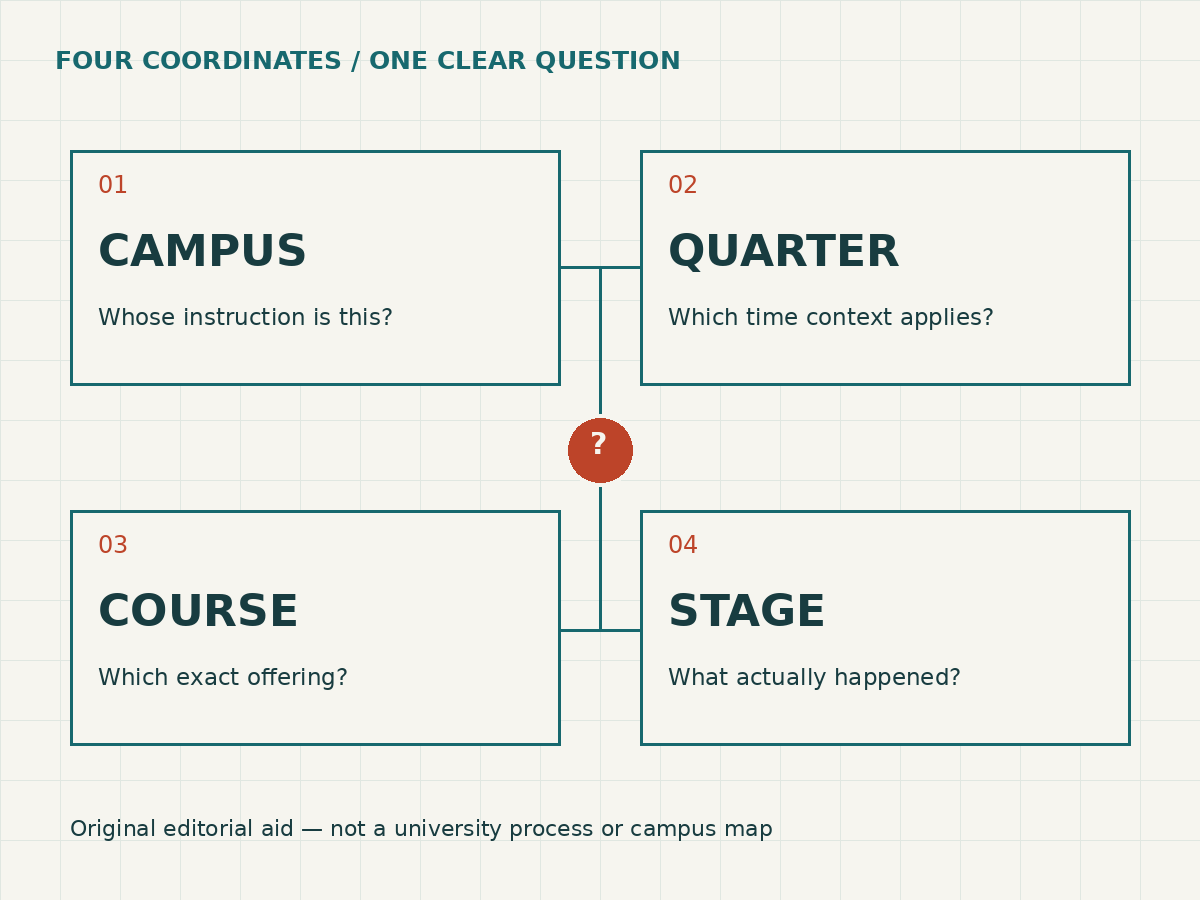
An original organizing diagram, not a university process or campus map.
ORIGINAL LOCAL READING AID / NO ACCOUNT CONNECTION
Context compass.
Before treating a course detail as a decision, locate the question. Select a home campus, course campus and stage to see what still needs checking. This exercise does not establish eligibility, reserve a seat, register you or determine credit. Nothing is saved or sent by this tool.
Choose all three contexts. No student information is requested.
Use the compass without JavaScript
Write down your home campus and the campus offering the specific course. If either is uncertain, verify it before applying a campus rule.
For a same-campus course, read the current course and program restrictions; matching campuses alone establishes no permission.
For a cross-campus course, ask your home-campus adviser how it might fit your program, and check the offering campus’s current registration rules. These are separate questions.
For a plan, distinguish a possible schedule from enrollment. For a NotifyUW alert, distinguish a notification from a reserved place. After a registration action, inspect the actual registered schedule rather than assuming success.
Attach the quarter, section identifier and current official source to the question. Ask the responsible office about unresolved conditions.
Hypothetical example: a Tacoma student sees an alert for a Bothell course. The alert is not a seat reservation or a cross-campus permission. Home-program fit and the offering campus’s rules still need separate checks.
Reset or reload clears this exercise. Read the three-campus check for the complete method. This publication cannot inspect or alter a university record.
CLEAR BOUNDARIES
Your university records do not belong here.
Read, compare and organize. For private account matters, use official university channels. We do not request credentials, accept student files, take payments or make enrollment decisions.